You can have up to four mobile devices associated with Geofencing. To associate the feature with multiple mobile devices, please follow the steps below:
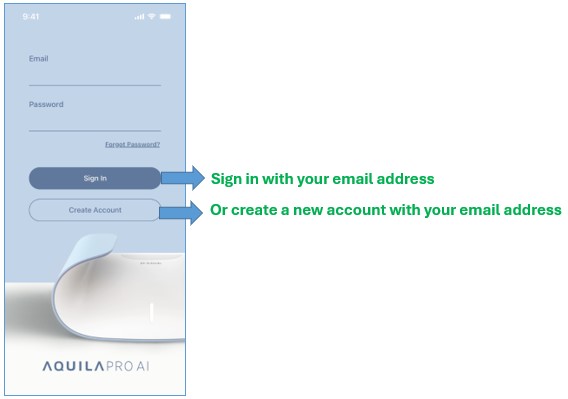
Step 1: Launch the AQUILA PRO AI app, and then log in with your D-Link account.
Step 2: Tap the  icon.
icon.

Step 3: Tap Scenes.

Step 4: Tap Geofencing.

Step 5: Tap Associate Mobile Device to associate or disassociate the current mobile device with Geofencing.

Step 6: Tap the  button or the
  button to manage your associated mobile devices.
