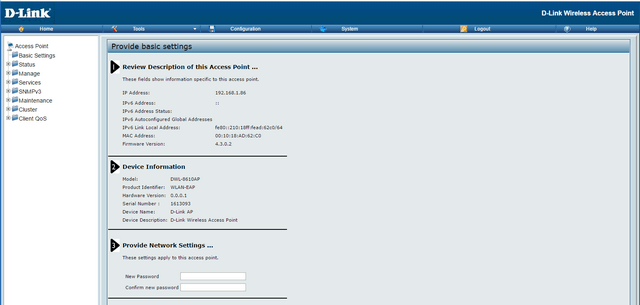
Step 1 – Set AP in Debug Mode
DWS-4026, DWS-3160, DWS-3024L:
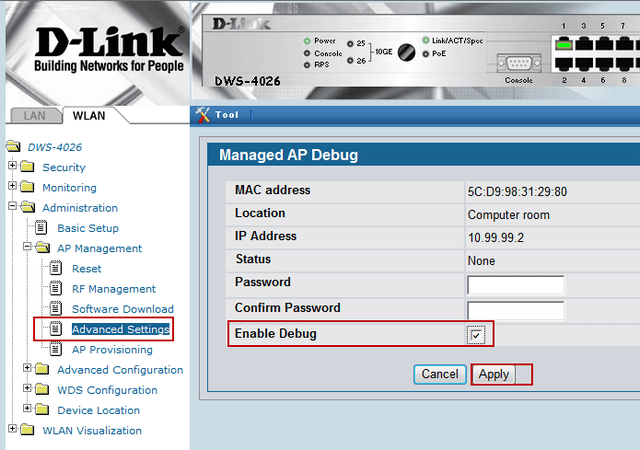
Click
“Enable Debug” and enter a password
DWC-1000 and DWC-2000:
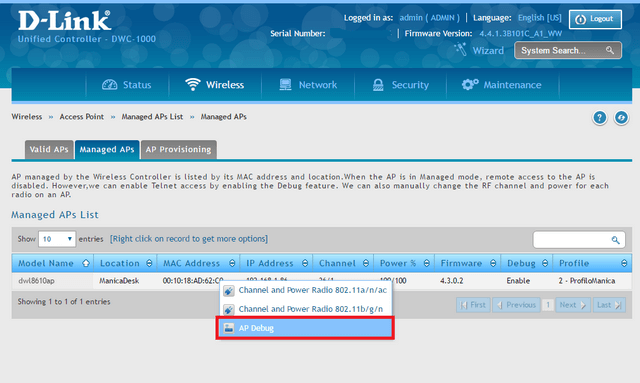
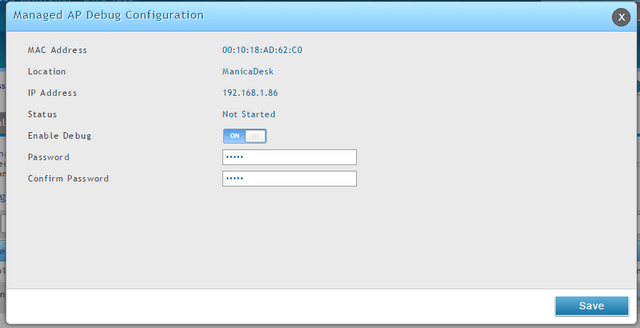
Click
“Enable Debug” - ON and enter a password, confirm then click
“Save”
Step 2 – Connect to the IP of the AP via
Telnet (Port 23)
Step 3 – Enter the following command:
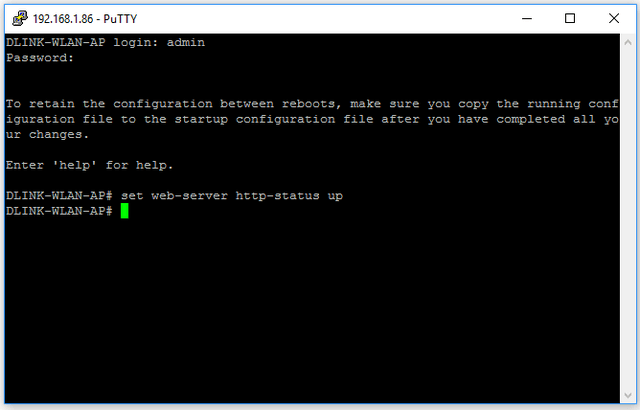 DLINK-WLAN-AP#
 set web-server http-status up
Login:
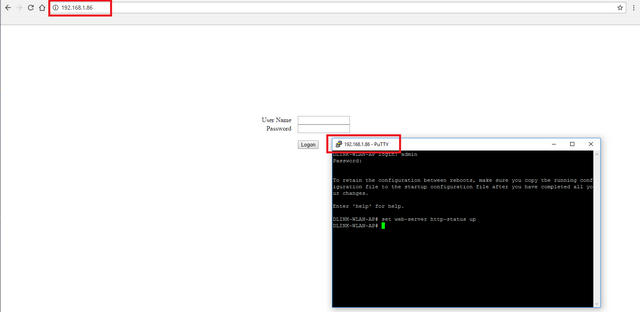 Web-UI Access: