Note: After you have changed the camera’s Wi-Fi network, you will need to connect your smart phone/tablet to same Wi-Fi network in order to access the camera’s live feed.
Step 1: Launch the mydlink Baby app.
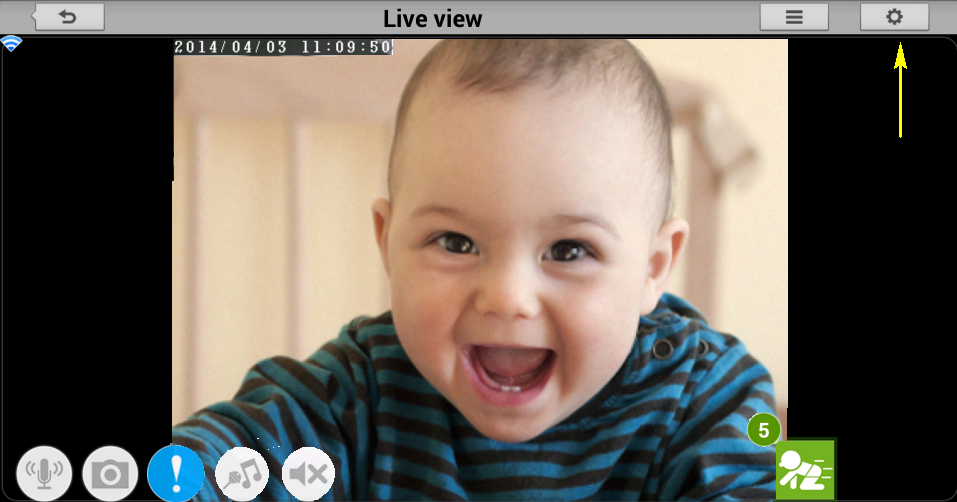
Step 2: Tap the camera which you want to change the Wi-Fi network for.

Step 3: Tap the settings icon in the top right-hand corner of the screen.
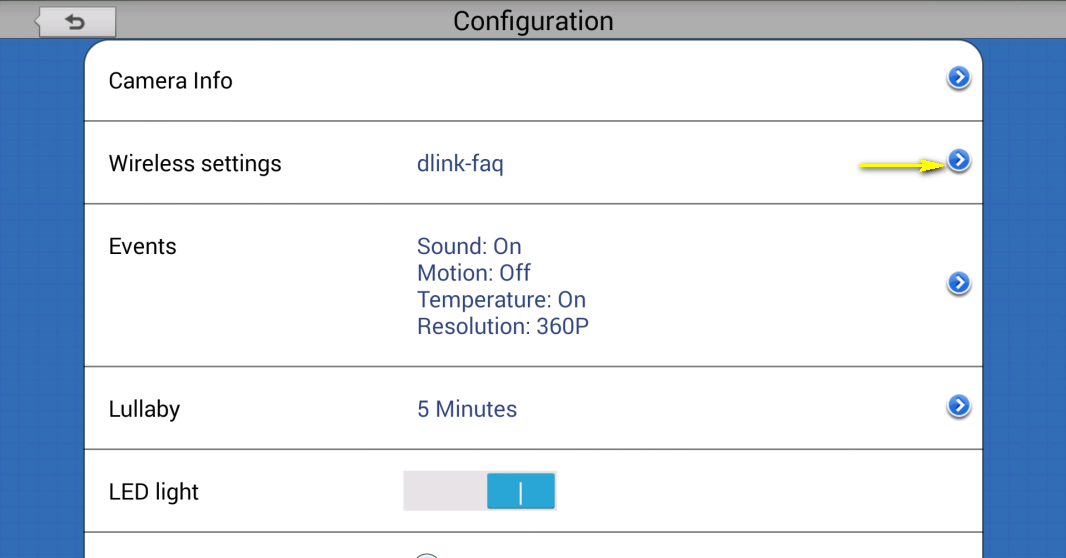
Step 4: Tap the arrow to expand the Wireless settings section
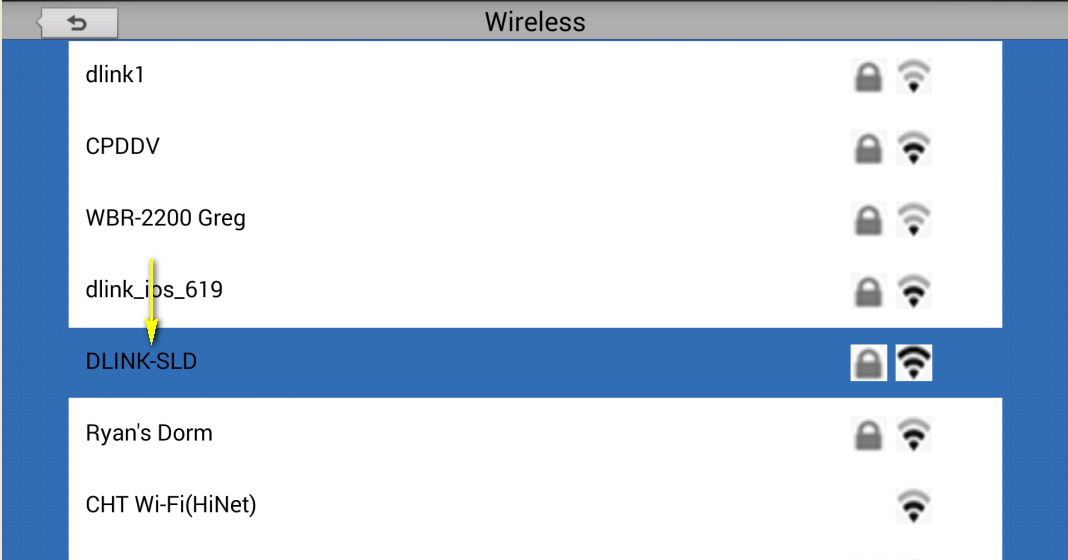
Step 5: Select the Wi-Fi network which you want to change to.
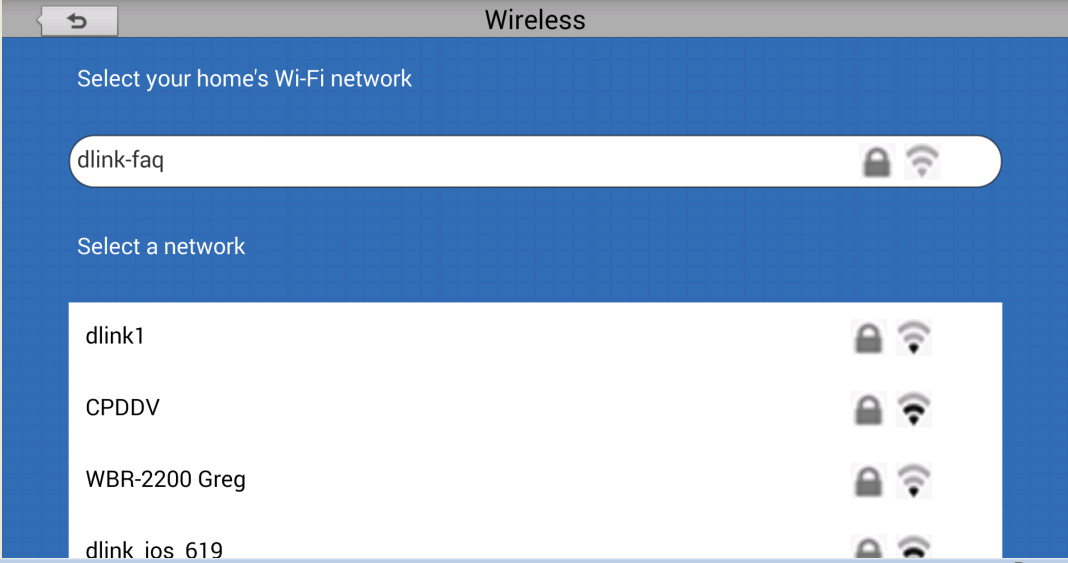
Step 6: Enter the password for the new Wi-Fi network. Click Connect.
