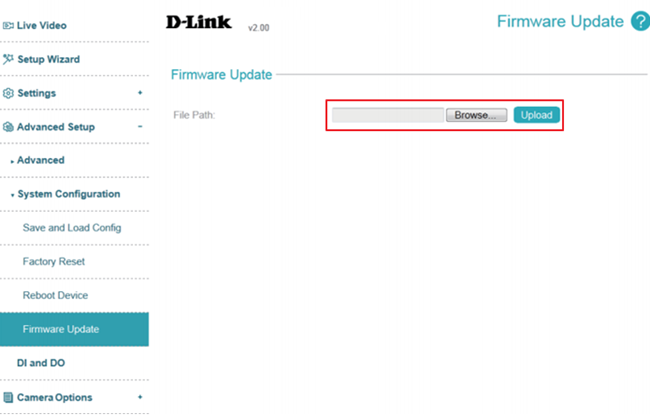
The current version of the firmware is shown next to the D-Link logo at the top of the page.
To update the firmware, please follow the procedure below:
Note: You can check download the latest firmware from the D-Link/Support Web.
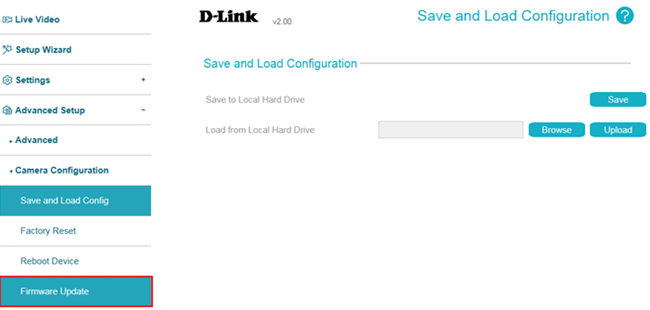
Step 1: Login to camera web UI. Click

icon, select
Advanced Setup ->
Camera Configuration ->
Firmware Update:
 Step 2:
 Select a firmware file to use from your hard drive by clicking
Browse..., then click the Upload button.
Note: While the firmware is being updated, do not close the web browser or disconnect your camera's power or network connection until the update completes.